
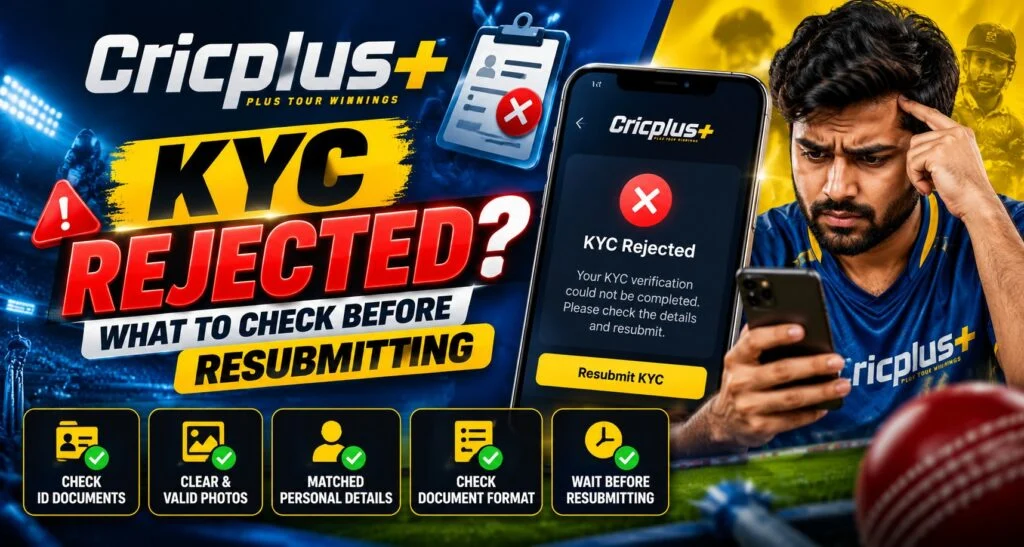
You uploaded the documents, yet verification still says rejected. Should you retake the photograph or seek clarification? For a Cricplus account, begin with the explanation attached to that decision. After cricplus login, check whether another submission is requested or whether the case needs support review.
Know Your Customer, or KYC, checks identity and related account information. We recommend identifying the correction before uploading again.
Match Your Next Action to the Rejection Reason
Save the exact message and any application reference. Check whether it concerns an unreadable image, an unsuitable document, inconsistent information or another account requirement.
An upload error and a completed verification decision call for different responses. If you cannot tell which occurred, ask whether the document was received and reviewed.
Understanding the stage helps avoid replacing evidence unnecessarily. Start by checking whether your chosen document qualifies.
Confirm the Document Answers the Actual Request
Read the document options for that check. Identity evidence, address evidence and payment ownership records do not automatically replace one another.
Confirm validity, required pages and any date requirement. A genuine document can still be unsuitable for the requested purpose.
If your country, document language or digital document format is not listed, ask about an accepted alternative. Another service’s checklist may not apply. Once eligibility is clear, examine readability.
Fix Image Problems Without Altering the Evidence
For a Cricplus submission flagged for image quality, inspect the original photograph at full size. Look for glare across text, missing edges, shadows or a blurred document number.
After Cricplus login, follow the current instructions for capture, file format and size. If a fresh photograph is required, clean the camera lens and use steady, even lighting.
Avoid filters, rewritten text or edited identity details. A clearer original addresses a quality problem while preserving the evidence you are being asked to provide.
Correct Account Differences Through the Proper Route
Compare the requested profile fields with your documents. Focus on the detail identified in the rejection message.
For example, an incorrectly entered birth date needs an account correction, not a new photograph of the same document. Ask support how to amend a field that you cannot edit yourself.
This keeps your explanation consistent for the reviewer. Next, confirm that the replacement was received.
Check the Selected File and Submission Confirmation
Preview the selected file before uploading. A phone gallery may contain several similar images, including the rejected version.
Check that every requested side or page is included and readable. Follow any camera permission instructions if live capture is required.
After submitting, look for an acknowledgement or updated status. If the page fails, record the error and device details. Changing devices can help investigate an upload problem, but it does not reverse a verification decision.
Ask for Review Guidance and Keep Documents Private
If the reason remains unclear, use verified support to ask what must change and whether resubmission is permitted. Include the reference and relevant error message.
We believe customers should receive understandable instructions about the next step. Avoid sending extra identity files to multiple contacts or trusting anyone promising guaranteed approval.
Keep the response and submission date securely for later enquiries. Maintaining accurate account details also makes future checks easier to explain. A careful correction protects privacy while reducing unnecessary repeat uploads.
Read More : Cricplus Cricket Data Insights and Match Analysis Guide
Conclusion
At Cricplus, we encourage you to understand the decision, confirm document suitability and correct the identified issue before resubmitting. Use cricplus login to review the latest instructions and available status information. We invite you to ask for a clear explanation and follow the verified process when you are ready to resubmit.
FAQs
Should I upload the same document again?
Read the rejection reason first. Resubmit only when the instructions allow it.
Will a clearer photograph always solve rejection?
It can address image quality. Document acceptance or account issues need different corrections.
Can I edit an incorrect name on the image?
Do not alter identity evidence. Ask about the proper correction route.
What if the upload page fails?
Record the error and check submission status. Ask whether your file was received.
Can anyone guarantee verification approval?
No. Approval depends on the applicable requirements and review.